Kaif

The Zuhio keyword count checker is a free web tool that counts how many times a keyword appears in text you paste in and shows the density. It’s quick for a final draft check. It can’t judge search intent, titles, or rankings, and one review reports it sometimes returns nothing. This guide shows how to use it, how to check your numbers by hand, and what matters more than keyword counts.
Key takeaways: The tool counts words and keyword frequency in pasted text. Keyword density isn’t a ranking factor. Check placement and readability first, and keep a manual backup method ready.
What Is the Zuhio Keyword Count Checker?
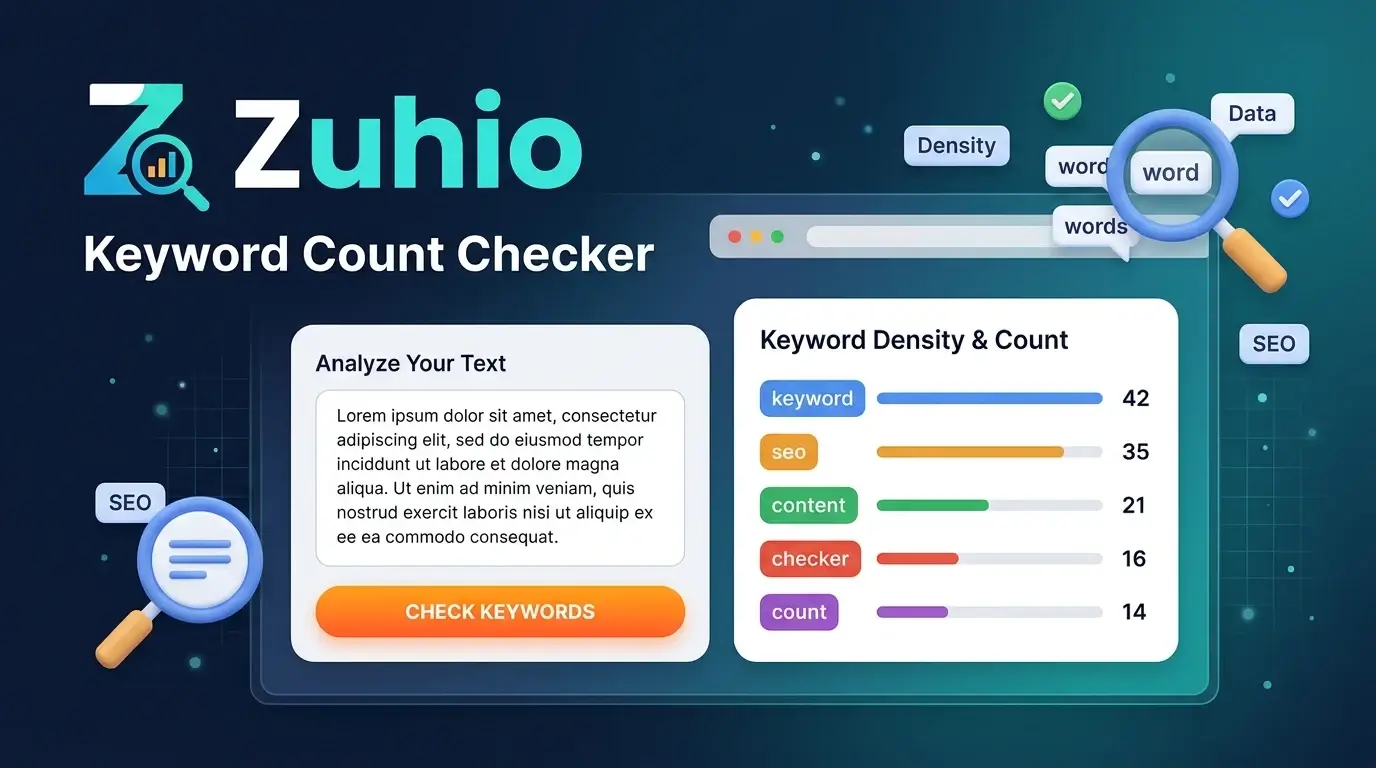
A keyword count checker measures how often a word or phrase appears in a block of text. According to AxeeTech’s review, the Zuhio tool takes pasted text and a target keyword, then returns total word count, keyword count, and density percentage, and it needs no account. It lives on zuhio.com under the Keyword Count Checker section.
Other coverage describes it as free and focused on count and density in pasted text. It is not a keyword research tool, so it won’t tell you search volume, competition, or what to write about.
What it measures
- Total words in your text
- How many times your keyword appears
- Keyword density as a percentage
What it doesn’t measure
It doesn’t check headings, title tags, meta descriptions, or backlinks. Comparison coverage also places it as a frequency-and-repetition tool, unlike full platforms such as Semrush or Yoast.
How to Use the Zuhio Keyword Count Checker, Step by Step
The process takes five steps and usually under a minute.
- Open the tool on zuhio.com and type the address yourself rather than following a search result.
- Paste your finished draft into the text box.
- Enter the exact keyword or phrase you want to check.
- Click the analyze button.
- Read the word count, keyword count, and density.
Do it last, not while you write
Check after you finish the draft. Writers who watch a density number mid-draft tend to force the keyword into awkward sentences. Finish, run the check once, then read the article aloud and fix anything that sounds repetitive.
How Keyword Density Is Calculated
Keyword density is the keyword count divided by total words, times 100. For a multi-word phrase, tools differ on whether they count each occurrence as one word or as several, so check how your tool treats phrases.
Formula: (keyword occurrences ÷ total words) × 100
| Article length | Keyword uses | Density |
|---|---|---|
| 1,000 words | 5 | 0.5% |
| 1,000 words | 10 | 1.0% |
| 2,000 words | 10 | 0.5% |
| 2,000 words | 30 | 1.5% |
Some guides cite a “safe” 1% to 2% range. Treat that as a rule of thumb for spotting obvious overuse, not a target to hit.
Is the Zuhio Keyword Count Checker Reliable?
Not consistently, according to the most candid review I found. AxeeTech reports that independent testing found inconsistent behavior, with the tool sometimes returning no results at all. I couldn’t reproduce that, so consider it a reported issue, not a confirmed one.
Also keep in mind that at least one promotional-style article asks whether the tool is “officially verified,” which hints at the lack of clear company information. The tool is simple and free, but don’t rely on it as your only check for important work.
What to do if it returns nothing
- Reload the page and try again.
- Shorten the text to test whether length is the issue.
- Check your keyword for typos or extra spaces.
- Switch to a backup method (see below).
Does Keyword Density Affect Rankings?
No, not as a target number. Search engines don’t reward a specific percentage. AxeeTech’s review makes the same point, saying that where a keyword appears carries more weight than how often. Google’s spam policies do warn against keyword stuffing, meaning repeating terms unnaturally to manipulate rankings.
Density tools are useful for one thing: catching overuse before a reader or search engine notices. They can’t judge quality.
What matters more than the count
| Placement | Why it matters |
|---|---|
| Title tag | A strong signal of what the page is about |
| H1 heading | Confirms the main topic |
| First 100 words | Shows early relevance to readers |
| Subheadings | Shows the page covers the topic in depth |
| Conclusion | Natural place to reinforce the main idea |
Beyond placement, the bigger questions are intent and usefulness. Does your page answer what a searcher actually wants, and does it add something competing pages don’t?
How to Count Keywords Without a Tool
If the tool fails, you can get an exact count in seconds.
Method 1: Find in your editor
Press Ctrl+F (Cmd+F on Mac) in your word processor or browser and search for the keyword. Most editors show the match count. Divide it by your total word count, which the editor also displays.
Method 2: Spreadsheet formula
Paste your text into cell A1 and your keyword into B1, then use:
=(LEN(A1)-LEN(SUBSTITUTE(LOWER(A1),LOWER(B1),"")))/LEN(B1)
This counts every occurrence, including inside longer words. For example, “seo” would also match inside “seoul,” so use it as an approximation for short keywords.
Zuhio vs. Alternatives
| Tool | Best for | Limits |
|---|---|---|
| Zuhio Keyword Count Checker | Quick, free count on pasted text | Basic output, reported inconsistency |
| Ctrl+F / spreadsheet | Reliable, exact counts at no cost | Manual, no density display |
| SmallSEOTools | Text and live URL analysis | Ad-supported, broader than needed |
| Yoast SEO | WordPress users who want in-editor guidance | Needs WordPress |
| Semrush SEO Writing Assistant | Readability scoring, semantic keywords, and competitor insights | Paid, more complex |
Which should you choose?
- Choose Zuhio for a quick final-draft check on non-critical content.
- Choose Ctrl+F when you need a number you can trust right now.
- Choose Yoast or Semrush if you want ongoing optimization guidance, not just counting.
A Practical Pre-Publish Checklist
Run this in order:
- Intent: Does the article answer the real question behind the keyword?
- Placement: Is the keyword in the title, H1, first paragraph, and at least one subheading?
- Count: Run the checker, or use Ctrl+F, to catch overuse.
- Variation: Replace repeated exact phrases with natural synonyms and pronouns.
- Read aloud: Fix anything that sounds forced.
- Links and sources: Add internal links and cite credible sources.
- Metadata: Check title and description lengths before publishing.
Pros and Cons
Pros
- Free and quick
- No account needed, according to reviews
- Simple output of three numbers
- Useful as a final repetition check
Cons
- Doesn’t check headings, titles, or meta tags
- Reported to sometimes return no results
- Little public information about who operates it
- Density encourages a misleading focus on numbers
Frequently Asked Questions
What is the Zuhio keyword count checker?
A free web tool that counts how often a keyword appears in pasted text and shows total words and density.
Is the Zuhio keyword count checker free?
Reviews describe it as free, with no account required.
How do I use it?
Paste your text, enter your keyword, click analyze, and read the word count, keyword count, and density.
Is it reliable?
One review reports that it sometimes returns no results. Keep a manual backup, such as Ctrl+F.
What is a good keyword density?
There’s no official number. Many writers aim for roughly 1% to 2% as a loose guide, but natural readability matters more.
Does keyword density affect Google rankings?
Not directly. Placement, relevance, and usefulness matter more, and stuffing can violate Google’s spam policies.
What are alternatives?
Ctrl+F, spreadsheet formulas, SmallSEOTools, Yoast SEO, and Semrush’s SEO Writing Assistant.
Conclusion
The Zuhio keyword count checker does one small job: it counts keywords in text you paste. That’s handy at the end of editing, but it can’t tell you whether your page deserves to rank. Use it as a quick repetition check, back it up with Ctrl+F when it fails, and put your real effort into intent, placement, and quality.