Kaif
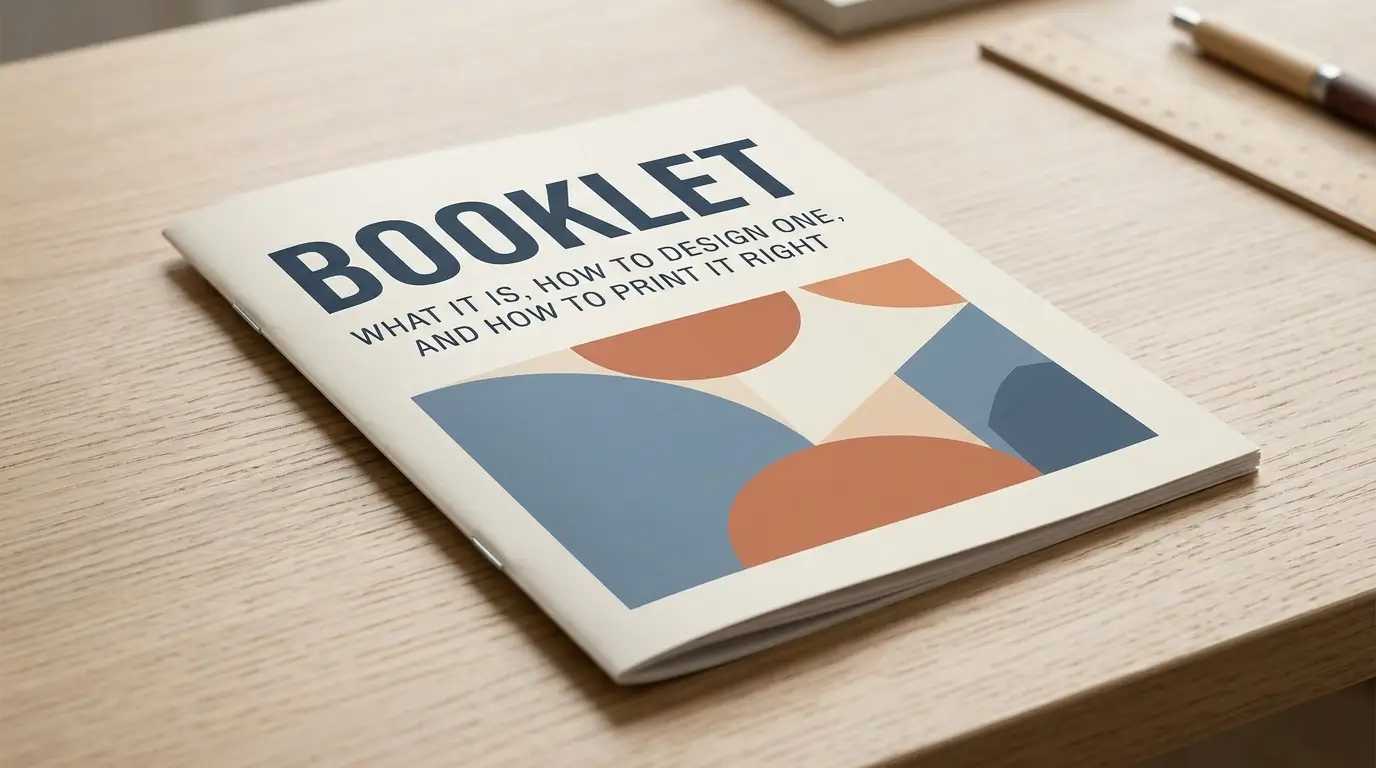
You need to share more information than a flyer can hold, but a full book is too much. A booklet fills that gap. This guide explains what a booklet is, how it differs from similar formats, how page counts work, and how to design and print one without costly mistakes.
Key takeaways: A booklet is a small, thin, paper-covered book. Stapled booklets use folded sheets, so page counts must be multiples of four. Add bleed, keep text inside a safe margin, and pick your binding to match your page count.
What Is a Booklet?
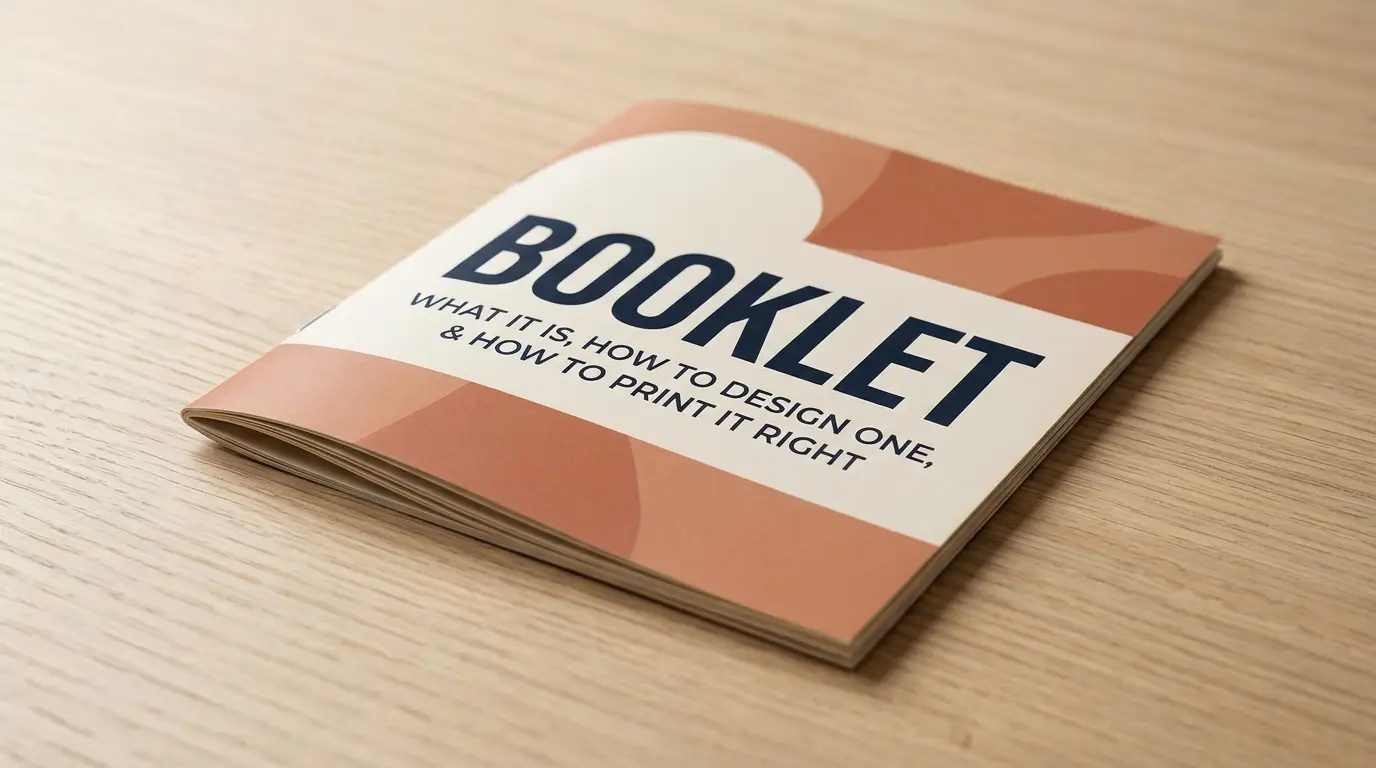
A booklet is a small, thin book with a paper cover that gives information on a particular subject. Most booklets are made from folded sheets stapled along the spine, so their page count is usually a multiple of four. Common uses include manuals, event programs, catalogs, and guides.
Oxford Learner’s Dictionaries defines a booklet as a small thin book with a paper cover containing information about a particular subject. The word was first recorded in the mid-1850s and combines “book” with the diminutive “-let.”
Common types of booklets
- Instruction and product manuals: step-by-step guides that come with a product
- Event programs: schedules, speaker bios, and maps
- Catalogs and lookbooks: products or portfolios shown in sequence
- Educational materials: workbooks, lesson packs, and guides
- Annual reports and newsletters: short, regular publications
- Ticket or coupon books: Oxford’s examples include a booklet of tickets or vouchers.
Booklet vs. Brochure vs. Pamphlet vs. Leaflet
People use these terms loosely, but they point to different formats.
| Format | Typical structure | Best for |
|---|---|---|
| Booklet | Multiple pages, stapled or bound like a small book | Detailed information, guides, manuals |
| Brochure | Usually a folded sheet | Quick marketing summaries |
| Leaflet | Single sheet, flat or folded | Handouts and mailings |
| Pamphlet | Short, often persuasive or political text | Advocacy or public information |
One dictionary entry explains that a brochure is usually a folded sheet, while a booklet is stapled or bound like a small book, and that a leaflet is typically a single sheet folded into sections. Dictionary.com treats “pamphlet” as a synonym for booklet. In practice, choose “booklet” when you mean several bound pages with a paper cover.
How Do Booklet Page Counts Work?
For stapled booklets, the page count must be divisible by four. The reason is physical. Each folded sheet provides four places for book pages, so the final page count must be a multiple of four.
Quick page-count guide
| Folded sheets | Total pages (including covers) |
|---|---|
| 2 | 8 |
| 3 | 12 |
| 4 | 16 |
| 5 | 20 |
| 6 | 24 |
To check your own number, divide total pages by four. If you get a whole number, you’re set.
What if your content doesn’t fit?
One printer suggests filling extra pages with notes pages, ads, or other company information. You can also tighten text, add a table of contents or an about page, or cut a section. Don’t leave it to the printer to fix. Printing software may add a blank page at the end when counts aren’t a multiple of four, which throws off page order.
Do covers count?
Yes, in most cases. One service says the covers should be included in your page count, not supplied as a separate file. Another notes that its page-count limits include the front cover, inside front, inside back, and back cover. Confirm with your printer, since some offer separate cover stock.
How many pages can a booklet have?
It depends on binding and paper. One university service recommends 8 to 60 pages for saddle stitch, with a maximum of 100 pages on the thinnest paper, though the spine becomes very rounded. A commercial printer’s limits are 100 pages with 80# text paper, 84 pages with 100# text paper, and 16 pages if both cover and interior use cover-weight stock. Those numbers vary by printer, so treat them as examples.
Which Booklet Binding Should You Choose?
Binding affects cost, durability, thickness, and how flat the booklet lies open.
Saddle stitch (stapled)
Pages are nested, folded, and stapled along the fold. The staple, called a stitch, goes on the fold. It’s among the least expensive options and works for large orders. Its limitation is thickness: past a certain page count, the spine gets bulky.
Perfect bound
Pages are glued at the spine under a wrapped cover, like a paperback. Cambridge’s print guide says perfect binding handles thicker booklets than saddle stitching and allows page counts in multiples of two. It looks more polished, but it costs more and needs enough pages to form a spine.
Wire or coil bound
The same guide notes that wire-bound books are also made in multiples of two pages. This suits workbooks and manuals that need to lie flat, though it looks less like a traditional book.
| Binding | Best page range | Strength | Trade-off |
|---|---|---|---|
| Saddle stitch | Short booklets | Low cost, simple | Page cap, multiples of four |
| Perfect bound | Longer booklets | Professional spine | Higher cost |
| Wire or coil | Practical guides | Lies flat | Less polished look |
How to Make a Booklet: Step by Step
- Define the purpose and reader. Decide what your reader should know or do after reading.
- Outline the content. List sections, then estimate pages.
- Pick the binding and size. Common finished sizes include A5 and letter-based formats. A booklet’s size refers to its finished, folded page size, so a 4-page A5 booklet is not described as A4.
- Adjust to a valid page count. Round up to the next multiple of four if saddle-stitched.
- Design in a layout tool. Use consistent margins, fonts, and headings.
- Add bleed and safe margins if artwork touches the edge (see below).
- Proof every page. Check spelling, links, and page numbers.
- Export a print-ready PDF with fonts and images embedded.
- Order a proof or sample before a large run.
Making a simple booklet at home
For a short, low-volume booklet, you can print double-sided, fold the stack in half, and staple along the fold, which usually needs a long-reach stapler. Word processors such as Microsoft Word offer a book-fold page setup that arranges pages for folding. Home booklets work for classroom or office use, but the folds and staples may not look as crisp as a professional job.
How Do You Prepare a Booklet File for Print?
Most print problems come from file setup.
Bleed
Bleed is artwork that extends past the trim edge, so trimming leaves no white gap. One printer requires 0.125 inches of bleed and explains that cutting has tolerance, so without bleed there’s a good chance of a gap between the printed area and the cut line. Cambridge’s guide specifies 3 mm of bleed on all sides. Use whichever your printer states.
Safe margin
The same printer asks for a 0.125-inch safe margin, because machine shift during cutting can clip artwork too close to the edge. Keep text and logos well inside it.
Page order
One guide says a booklet should start on a right-hand (odd-numbered) page and finish on a left-hand (even-numbered) page. Some services expect you to set up pages in reading order (page 1 as the cover, last page as the back cover) and handle imposition themselves. Ask your printer before exporting.
Print-ready checklist
- Page count is a valid multiple
- Covers are included as the printer requires
- Bleed and safe margin are set
- Page size equals finished size (plus bleed)
- Fonts and images are embedded
- Colors are set the way your printer requests
- Everything is proofread
Booklet Design Tips That Work
- Lead with the reader’s goal. Put the most useful information first.
- Use a clear hierarchy. Consistent headings, short paragraphs, and generous white space.
- Plan facing pages. Readers see two pages at once, so design spreads, not isolated pages.
- Keep fonts readable. Use a body size that works at arm’s length.
- Add navigation. A contents page and page numbers help in longer booklets.
- Finish with a next step. A website, phone number, or QR code gives readers somewhere to go.
Common Booklet Mistakes to Avoid
- Wrong page count. Not a multiple of four for staples.
- Ignoring paper thickness. Heavy paper in a thick saddle-stitched booklet can bulge.
- No bleed. Leads to white edges after trimming.
- Text too close to the edge. Risks being cut off.
- Skipping the proof. Small errors multiply across a print run.
- Overpacking pages. Dense text without breaks tires readers.
Booklet Pros and Cons
Advantages
- Space for detailed content
- Affordable in stapled form
- Portable and easy to mail
- Works for both print and PDF distribution
Limitations
- Page counts are constrained by binding
- Setup errors are costly after printing
- Updating content means reprinting
- Thick booklets may need a different binding
Frequently Asked Questions
What is a booklet?
A small, thin book with a paper cover that provides information on a specific subject.
What is the difference between a booklet and a brochure?
A brochure is usually a folded sheet. A booklet has several pages bound or stapled like a small book.
How many pages should a booklet have?
Stapled booklets must have a multiple of four pages. Recommended ranges vary by printer; one service suggests 8 to 60 pages.
Why must booklet pages be a multiple of four?
Each folded sheet creates four pages, two on each side.
What is a saddle-stitch booklet?
A booklet whose folded pages are stapled along the spine fold.
What bleed does a booklet need?
Typically 0.125 inches (about 3 mm) on all sides, but follow your printer’s specification.
Can I make a booklet in Word?
Yes. Word’s book-fold page setup arranges pages for folding, and you can then print double-sided and staple.
Conclusion
A booklet is the right format when you need more room than a flyer or brochure allows, without the cost of a full book. Get the page count, binding, bleed, and page order right, and the rest is clear writing and clean design.